
Live AR makeup · Free on Android
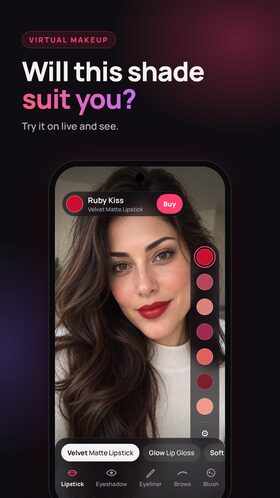
Will this shade suit you? Try virtual makeup live in your camera.
Try 300+ real lipstick and makeup shades on your own face through your front camera. Find the one you love, then find where to buy it.
Free · No account · Your camera image never leaves your phone

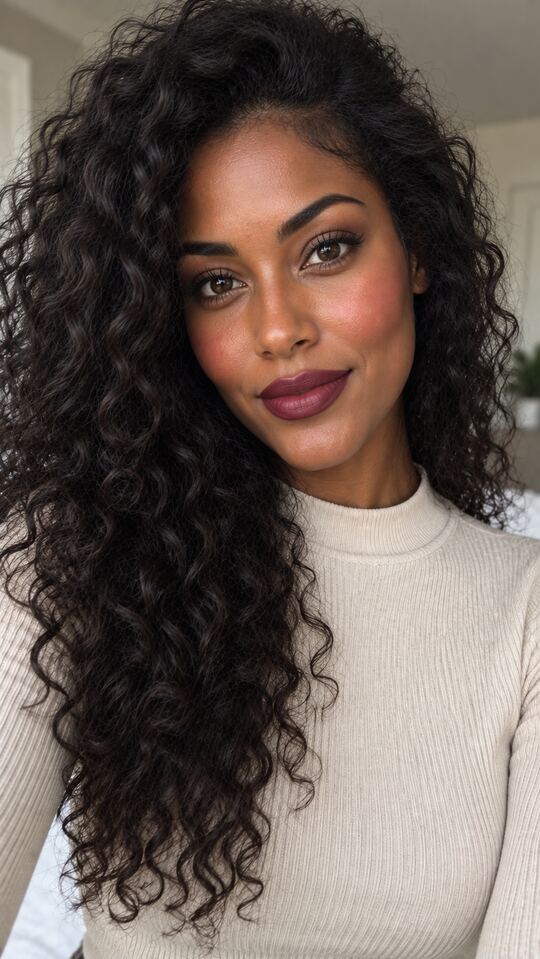

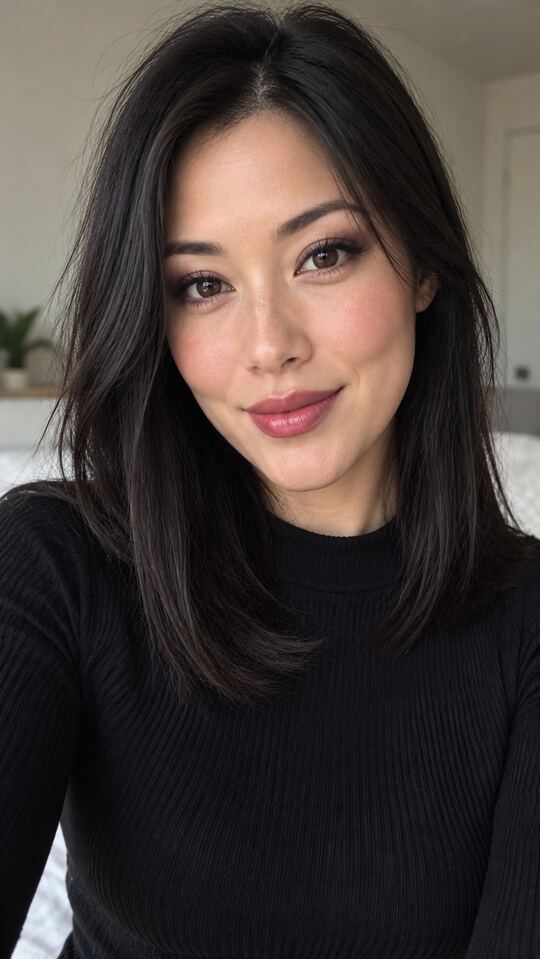
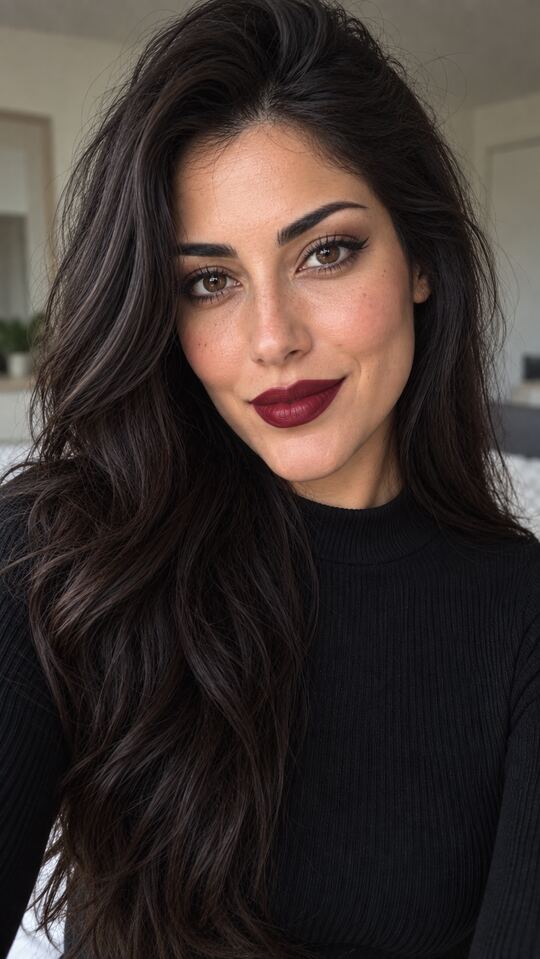
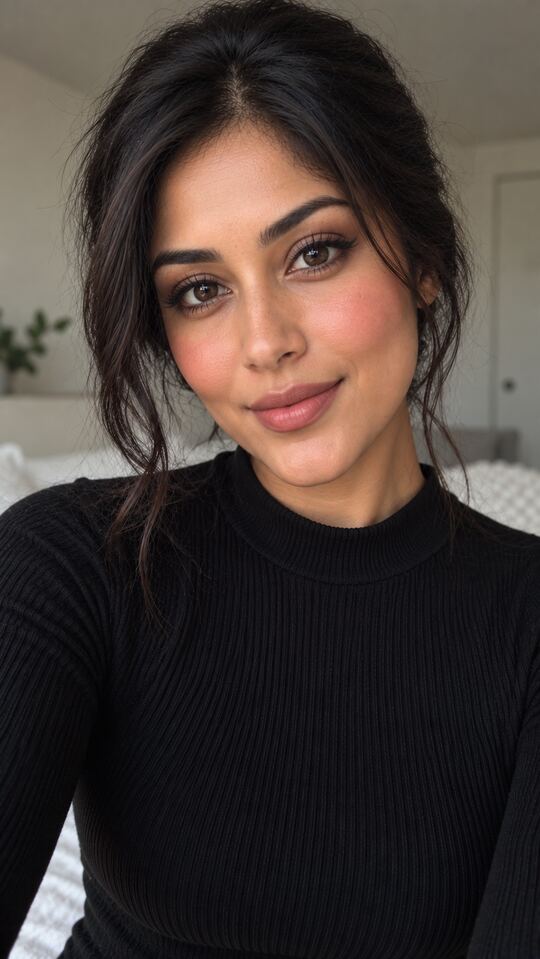
Example looks on AI-generated models. In the app, the shade goes on your face, live.
- 300+real shades
- 25cosmetic brands
- 5lip finishes
- 8app languages
- Freeon Android 7.0+
- Noaccount needed
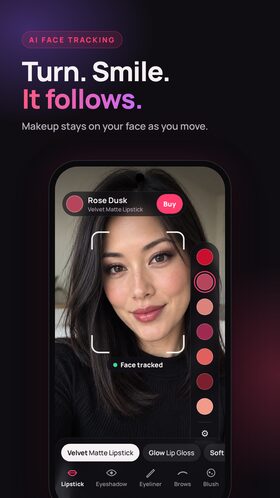
AI face tracking
Turn. Smile. It follows. AI face tracking for AR makeup
This isn't a flat filter that slides off when you move. AI face tracking keeps makeup on your lips, eyes, cheeks and brows as you turn your head, talk and smile, so you see how a shade really looks on you from every angle. It's AI makeup that moves with you.
- Stays put when you turn your head
- Follows your smile and expressions
- Runs live, right on your phone
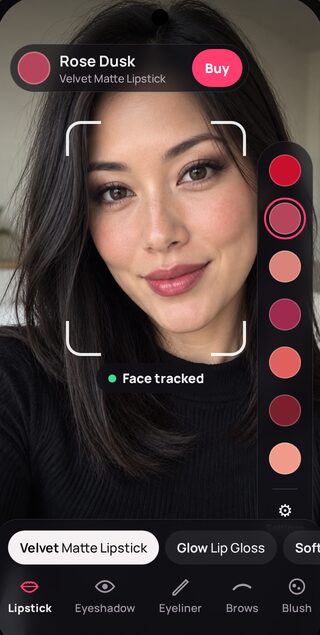
Lipstick try on
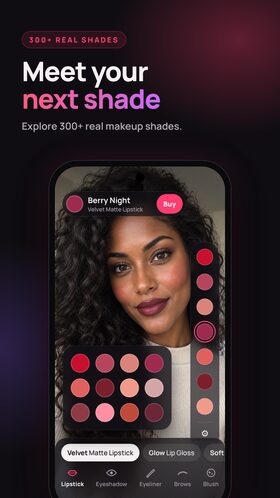
Meet your next shade Virtual lipstick try on
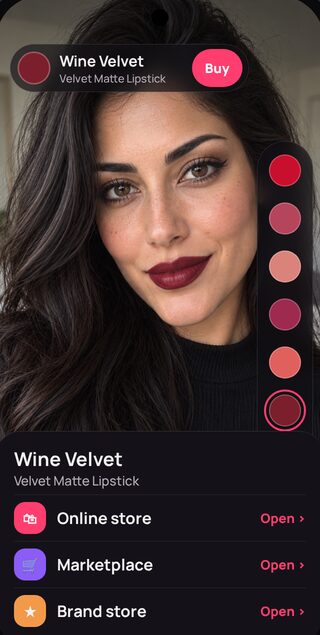
Swipe through 300+ real lipstick shades from 25 cosmetic brands, one tap each. Switch from natural to matte, glossy, ombre or plump, and add a lip liner for sharper edges.
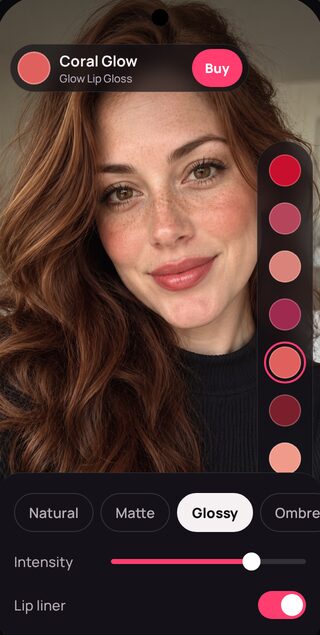
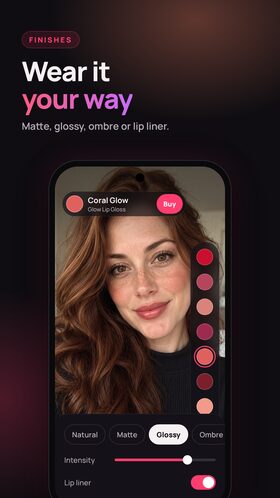
Wear it your way
Barely-there or full glam? Set the intensity until it looks like you.
Illustration of the finishes. In the app, it's on your lips.
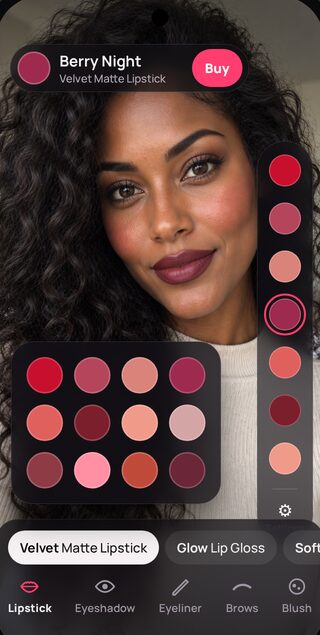
Full face
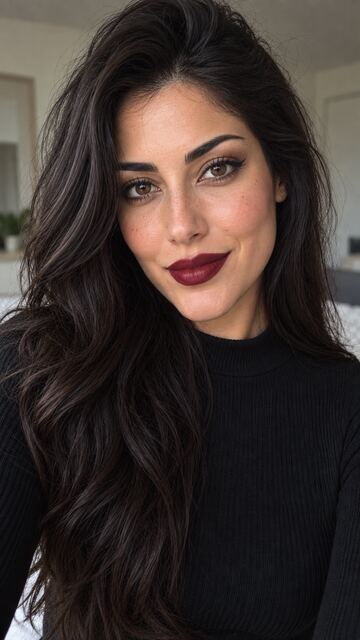
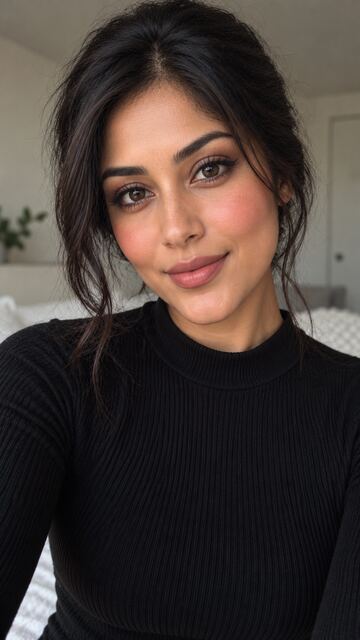
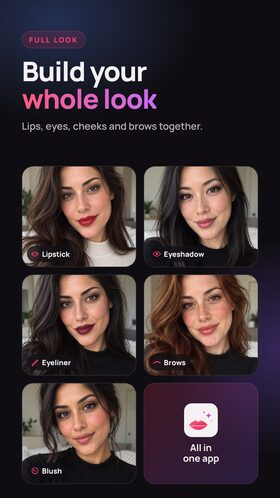
Build your whole look Makeup try on for your whole face
Add blush, eyeshadow, eyeliner and brows on top of your lipstick. Adjust intensity and spread for each one and mix until the whole look clicks.
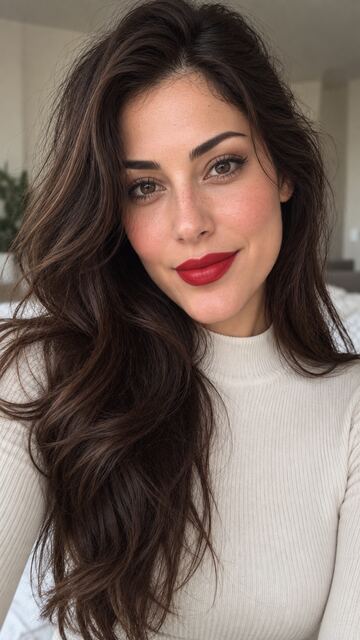



All in one app
Shown on AI-generated models with different skin tones and features.
Snap & shop
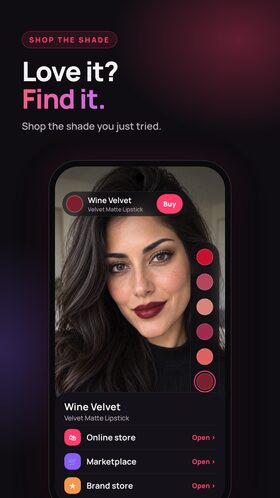
Love it? Find it.
Can't decide? Ask your friends.
Save a photo of your look to your gallery and share it in a tap. Let your group chat pick the winner.
One tap to the store
Found the one? Tap to find that shade in an online store, and buy it knowing it already looks good on you.
Some store links are affiliate links. We may earn a commission at no extra cost to you.
How it works
A new look in three steps
Open the camera
The app starts on your front camera. No account, no sign-up.
Tap a shade
Lipstick, blush, eyeshadow, eyeliner or brows. See it live, then adjust it.
Snap it or shop it
Save the photo, share it, or tap to find the shade online.
Free on Android 7.0+. No sign-up.
Privacy
Your camera image never leaves your phone.
Face tracking runs on your device, in real time. Your camera image and face points are never uploaded, stored or shared. Photos you save stay in your own gallery until you choose to share them.
MakeUpTakeUp is free because it shows ads from Google AdMob. Like most free apps, the ad service may use your device's advertising ID to show and measure ads, and you'll be asked for consent where the law requires it. An ad-free option is coming soon.
Read the privacy policyScreenshots
A look inside the makeup app
The same app you'll get on Google Play.
Questions? Answered.
Is MakeUpTakeUp free?
Yes. The makeup app is free to download and use, and it's supported by ads. A small ad-free subscription is coming soon.
How does virtual makeup try on work?
Point your front camera at your face. AI face tracking finds your lips, eyes, cheeks and brows and applies the shade live, so it moves with you as you turn and smile. Tap any shade to switch instantly.
How is it different from a beauty filter?
A filter or beauty camera effect slides around when you move. MakeUpTakeUp's AI face tracking keeps lipstick, blush and eyeshadow in place as you turn your head, talk and smile.
Are the lipstick shades real colors?
Yes. The app includes 300+ shades based on real products from 25 cosmetic brands. Screens and lighting vary, so treat it as a strong preview and check the store's swatch before you buy.
Is my face or camera image uploaded?
No. Face tracking runs on your phone and your camera image never leaves it. The app does show Google AdMob ads, which may use your advertising ID. The privacy policy has all the details.
How do I find my lipstick shade to buy?
When you love a shade, tap it to find it in an online store. Some of these links are affiliate links, which help keep the app free.
Which phones are supported? Is there an iPhone version?
MakeUpTakeUp works on Android 7.0 and later. The iPhone version is coming soon.
Do I need an account? Which languages does it support?
No account needed: open it and start trying. The app speaks English, Turkish, Spanish, Portuguese, French, German, Italian and Russian.
See it on you first.
Stop guessing from swatches. Try on makeup live, then buy the one you love.
Free with ads · No account · Android 7.0+